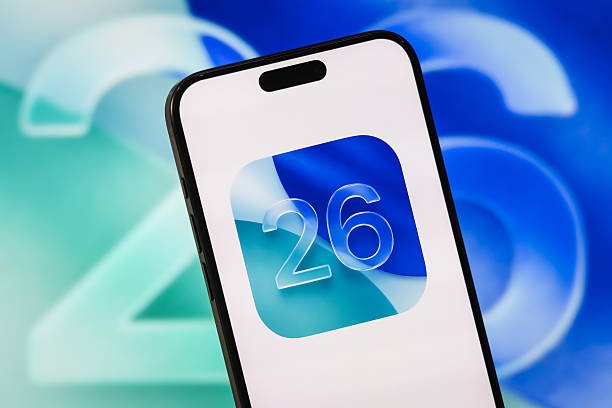
Apple released iOS 26.6 on July 27, 2026, primarily as a maintenance update focusing on security and system optimisation. It addresses nearly eighty vulnerabilities and includes minor bug fixes for sticker syncing and contact blocking. A key component is the background reorganisation of the Spotlight index to prepare for iOS 27.
The update also contains dormant code for a future anti-theft feature that uses motion sensors to detect snatching. Users are encouraged to install the release to ensure device security and facilitate a smoother transition to upcoming major software versions.
iOS 26.6 Is Here: The Critical Update You Can’t Afford to Skip
Apple released iOS 26.6 on July 27, 2026, and if you’re expecting a headline feature to get excited about, there isn’t one. This is a maintenance release — but that doesn’t mean you should skip it. Here’s what’s actually in the update and why it matters more than it looks like on the surface.
Apple’s own release notes are about as sparse as they get: the update includes bug fixes, security updates, and optimises the Spotlight index to prepare for iOS 27. That last part is the real story of this release.
The Official Word
The Real Headline: Prepping for iOS 27
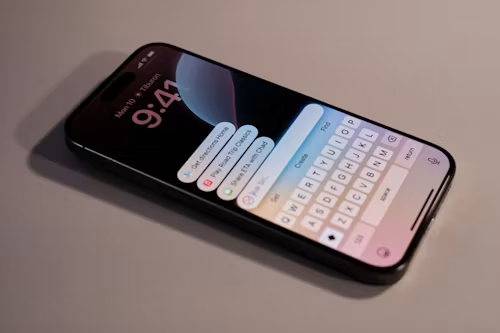
iOS 27 is bringing a completely overhauled Siri, one that can search across your messages, mail, notes, calls, and other personal data to answer more detailed questions. For that to work well, your iPhone needs its Spotlight search index rebuilt and reorganised ahead of time — and that’s exactly what iOS 26.6 quietly does in the background.
This kind of indexing work can take a while (beta testers have reported it running for a week or more once the actual iOS 27 update lands), so Apple is getting a head start on it now while you’re still on iOS 26. Practically speaking, this means your eventual iOS 27 update should go more smoothly than it otherwise would.
Small But Useful Changes
A few minor, user-facing tweaks did make it into this release:
- Blocked contacts alert: iPhone previously just stopped letting you block new contacts once you hit the internal cap, without any explanation. iOS 26.6 adds a proper “Blocked Contacts Limit Reached” notification so you know what’s happening and can clear out old entries.
- Sticker sync fix: a bug that occasionally corrupted stickers when syncing across devices via iCloud has been resolved.
- HDR screenshot fix: garbled HDR screenshots sent through Messages are now fixed.
- Enterprise Wi-Fi fix: a policy setting controlling private Wi-Fi address randomisation now enforces correctly for managed devices.
Security: The Part That Actually Matters Most
Under the hood, iOS 26.6 patches a large number of security vulnerabilities — reports put the count near 80 — including flaws that could have let a malicious app gain elevated system privileges or bypass built-in protections. None of that is visible to you as a user, but it’s the best reason to install the update promptly regardless of whether the visible feature list excites you.
An Interesting Discovery: Anti-Theft Code
Beta testers and developers combing through iOS 26.6 found code hinting at an unreleased anti-theft feature. The idea, based on what’s been found so far, would use motion sensor data, proximity to a paired Apple Watch, and familiar location patterns to detect when an iPhone is unlocked and abruptly grabbed, then lock it automatically. The feature isn’t active in this release — it’s just present in the code — so treat it as a preview of something that could show up in a future update rather than something you can use today.
Should You Update?
Yes. Even without splashy new features, the security patch volume alone makes this worth installing promptly. And if you’re planning to jump straight to iOS 27 this fall, letting iOS 26.6 do its background Spotlight prep work now should make that transition noticeably smoother.
How to update: Settings → General → Software Update. As with any major-adjacent update, back up your device first (iCloud or a computer backup) just as a precaution — though this is a routine point release, not a risky jump.