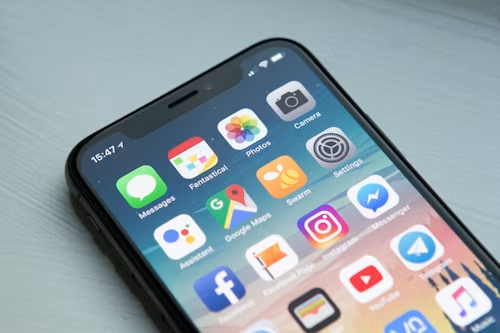
Important guide on phone privacy settings
A new phone is not automatically private. Both iPhone and Android include useful privacy controls, but many are easy to overlook during setup. A short permissions audit can reduce unnecessary access to your location, photos, microphone, camera, contacts, and account data.
Menu names differ by phone manufacturer and software version, so use the closest equivalent if your device labels a setting differently.
1. Use a strong screen lock.
Use a long PIN or password rather than a simple pattern or an easily guessed number. Biometrics are convenient, but your passcode remains the foundation of device security.
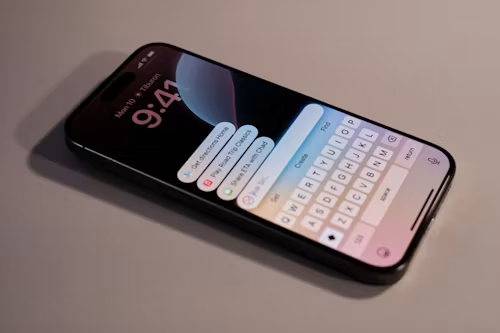
Turn off sensitive lock-screen previews if other people could see your notifications. On iPhone, review Settings → Notifications → Show Previews. On Android, look under notification and lock-screen settings.
2. Audit app permissions
Review which apps can access your:
- Location
- Camera
- Microphone
- Photos and videos
- Contacts
- Calendar
- Bluetooth
- Health data
On iPhone, use Settings → Privacy & Security. On Android, use Settings → Privacy → Permission manager. Select “While Using”, “Ask Every Time”, or “Selected Photos” when an app does not need permanent access.
3. Reduce location exposure.
Navigation and transport apps may need location while in use. Shopping, games, and social apps often do not need precise location continuously.
Turn off precise location for apps that only need a general area. Review system-level location history separately from individual app permissions.
4. Restrict tracking and advertising
On iPhone, review Settings → Privacy & Security → Tracking and decide whether apps may request permission to track you across other companies’ apps and websites.
On Android, review your Google advertising and privacy controls. Turning off personalised advertising does not stop all data collection; it changes how ads are selected.
5. Enable lost-device protection.
Turn on Apple Find My or Google Find My Device. Confirm that location, network access, and remote-lock features work before the phone is lost.
Also enable theft-protection features when available. These can add friction when someone tries to change account or security settings from an unfamiliar location.
6. Protect your main account.
Use a unique password and two-factor authentication for your Apple Account or Google Account. Review signed-in devices, recovery methods, and connected third-party apps.
A password manager makes unique passwords practical. Hardware security keys can provide stronger protection for people at higher risk.
7. Check photo and file access.
Set photo access to selected images when an app only needs one picture. Remove permission from apps you no longer use, then delete those apps.
Remember that privacy settings cannot control what you voluntarily upload to a service after access has been granted.
8. Be careful with public connections.
Avoid entering sensitive information on untrusted Wi-Fi networks. Turn off automatic joining for networks you do not control, and use cellular data for account recovery or financial activity when practical.
9. Review backups and cloud sharing
Check what your phone backs up and who can access shared albums, family groups, location sharing, or cloud files. A backup is important, but it also becomes a valuable account target.
Do not promise that any cloud service is absolutely private. Review the provider’s encryption model, account recovery process, and sharing controls.
10. Use stronger protection when your risk requires it.
High-risk users may consider features such as iPhone Lockdown Mode, app isolation, security keys, and stricter device policies. These measures can limit functionality, so they are not necessary for everyone.
Final checklist
- Strong passcode enabled
- Lock-screen previews reviewed
- Unused apps deleted
- Location permissions reduced
- Camera and microphone access audited
- Tracking controls reviewed
- Find My or Find My Device enabled
- Two-factor authentication active
- Recovery information current
- Cloud sharing and backups checked
Verdict: Privacy is not one switch. The most effective approach is to reduce unnecessary access, secure your main account, and revisit permissions every few months.